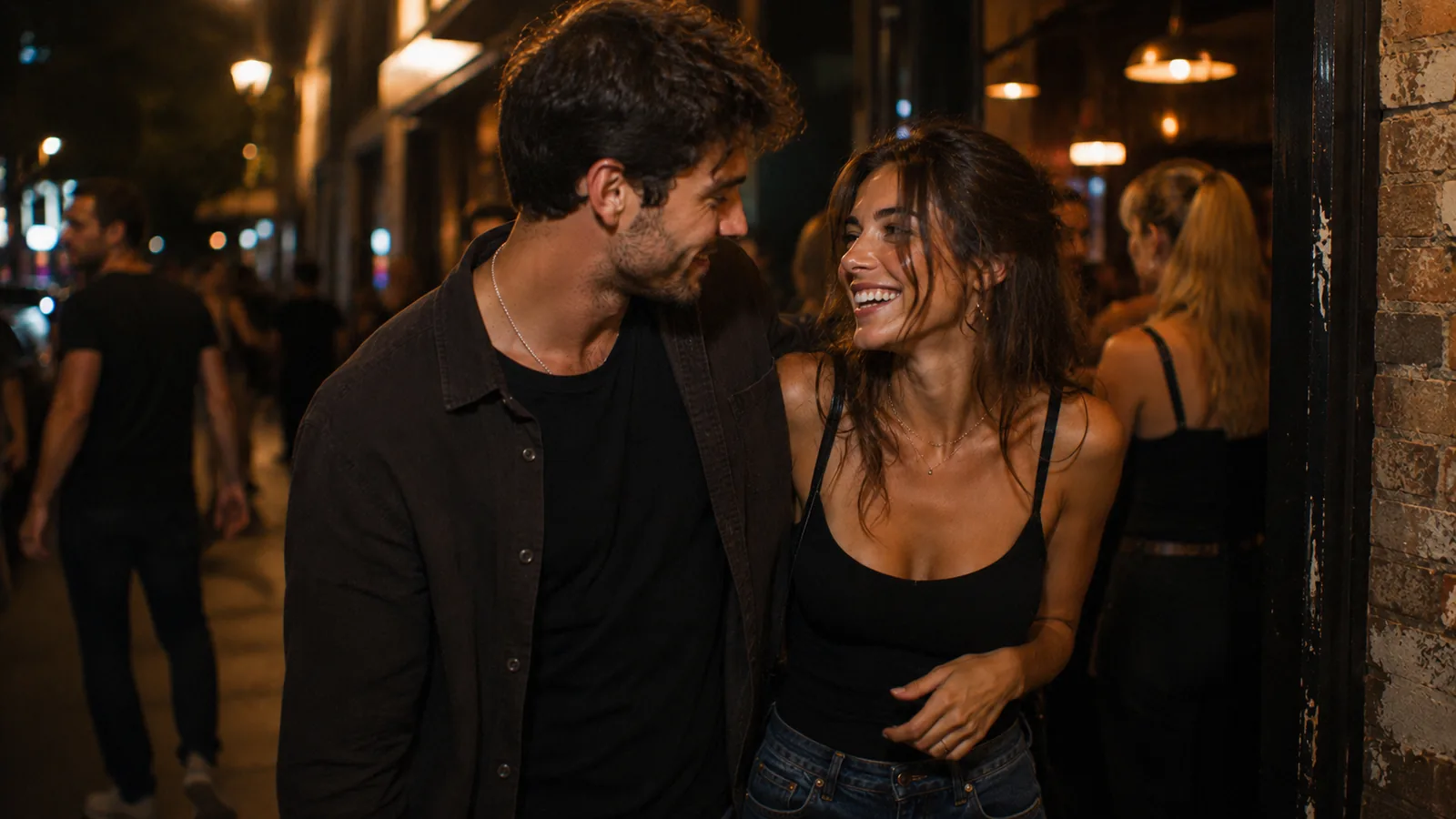

Online dating is the best way to meet someone new, and with the right approach it's completely safe. It comes down to three things: what data you share when signing up, who can see your photos and conversations, and how the app stores your information. In this guide — concrete steps to make your dating experience comfortable and private.
Privacy in numbers: why it matters
Over 380 million people worldwide use dating apps — and more and more are paying attention not just to features, but to how an app handles their data.
- An independent audit in 2025 found that 3 out of 4 apps fall short of basic cybersecurity standards. This means choosing an app with a serious approach to privacy is already a competitive advantage for you.
- Over the past year, several apps experienced user data leaks — photos, conversations, location data. Those who signed up anonymously were virtually unaffected.
- More than 50% of users say privacy is one of their top criteria when choosing a dating app. This is no longer a "feature for the paranoid" — it's the new standard.
The takeaway is simple: apps with privacy built in by default deliver a more comfortable and free dating experience.

What to look for when choosing an app
Not all apps treat privacy the same way. Here are the key features to check before creating a profile:
| Feature | Basic level | Advanced level |
|---|---|---|
| Sign-up | Phone number or social media required | Choice: anonymous, Apple ID, or Google |
| Chat protection | No screenshot protection | Content hidden on screenshots and screen recordings, sender notified |
| Profile verification | Optional or absent | Mandatory verification for every user |
| Photo control | All photos visible to everyone | Private albums with managed access |
| Invisibility mode | Not available | Incognito — only people you liked can see your profile |
| Data & third parties | Shared with advertisers | No ads in the app — data is not shared with third parties |
The more items from the right column an app supports, the more comfortable your dating experience will be.
Sign-up: choose your privacy level
Most apps require a phone number or social media account right from the start — and your real identity is tied to your dating profile from day one.
With Flava, you choose how much to share:
- Fully anonymous — no phone, no email, no social media. Zero personal data. The app knows nothing about you beyond what you put in your profile.
- Via Apple ID — quick sign-in, and Apple only passes anonymized data. You keep near-complete anonymity with the convenience of a one-tap login.
- Via Google — the app only knows your email address. Nothing more.
Whichever method you choose, your phone number, real name, and social accounts stay with you. Your dating profile remains completely separate from your real identity — giving you the freedom to date without second thoughts.
Screenshot & screen recording protection
Dating involves sharing photos and candid messages. It's important to know that content stays between you and the other person.
Many apps don't even notify you when someone screenshots your profile or conversation. Flava works differently: content is hidden on both screenshots and screen recordings — instead of your photos and messages, the screen capture shows a blank image. And you instantly receive a notification about the attempt.
Self-destructing photos go even further: a sent photo disappears after the recipient views it and doesn't appear on a screenshot if someone tries to save it. You send photos knowing they stay between the two of you.
Full control: who sees you and your photos
In most apps, your profile and all photos are visible to everyone without exception. Flava gives you control on two levels.
Incognito mode — turn it on in your profile settings, and only people you've liked will see your profile. No random viewers — you decide who sees you. The feature is always available in profile editing.
Private photo albums — choose who sees which photos. You manage access and can revoke it at any time — no explanation needed.
Verification: know that people are real
Selfie-based verification is the most reliable way to confirm there's a real person behind a profile. On Flava, 90%+ of active profiles complete verification, suspicious accounts are forced through verification, and you can switch on a verified-only filter when you want extra confidence.
And if you want to confirm it personally — send a voice message or ask for one back. Voice messages in chat give you something no photo ever can: a real voice, tone, and mood. It's the most natural way to feel a person before meeting.
Verification: why it matters most
If you read only one section of this guide, make it this one. Profile verification is the single largest lever for safer online dating — it outweighs every other variable, including which country you live in, what time of day you message, or how cautiously you write your bio.
The numbers from our 2026 safety statistics deep-dive tell the story:
- 1 in 4 dating-app users (25%) report harassment of some kind across the broader app market.
- On apps with mandatory selfie-based verification for every profile, that rate drops by 67% — roughly to 1 in 12.
- 78% of reported safety incidents trace back to apps with low or optional verification standards. The remaining 22% spread across every other vector combined.
- 58% of safety-conscious users factor screenshot protection directly into their platform choice — making it a feature that influences market share, not a niche concern.
Why does verification carry so much of the load? Because almost every other safety risk on a dating app — catfishing, fake photos, scammers, romance fraud, harassment from a throwaway account — depends on the attacker hiding behind an unverified identity. Take that hiding place away, and the entire category of attacks collapses to a fraction of its volume.
This is why "verified profiles" is not a feature comparison checkbox — it's the foundation. An app with screenshot protection but no verification still leaves you exposed to the most common threat. An app with verification but no screenshot protection still cuts your incident rate by two-thirds. If you're choosing between apps, verification is the criterion that matters most.
For the broader picture of how casual dating safety has shifted in 2026, see our Casual Dating Guide, which uses the same safety dataset across every dating format.
Red flags by the numbers
Most "red flag" lists feel generic because they don't tell you which signals matter most. Here's the same list, sorted by how often each pattern actually shows up in reported incidents — based on aggregated 2026 safety data.
Tier 1 — present in 60%+ of reported incidents
- Refusal of any video or voice contact before meeting. The single most consistent signal across catfishing, romance fraud, and impersonation cases. A few minutes of live audio reveals more than weeks of text.
- No verification badge on the profile. On platforms that offer verification, the lack of one on a profile that's actively messaging you is a stronger signal than any single "wrong" sentence.
- Pressure to move off the app within the first hour. Telegram, WhatsApp, Signal — all legitimate messengers, but the urgency to leave moderation behind is the giveaway, not the destination.
Tier 2 — present in 30–60% of incidents
- Photos that look professionally shot or magazine-ready. Especially three or more in a row with the same lighting, framing, or visible edit style. Run a reverse image search.
- Story details that drift between conversations. A profession that shifts, a city that's "just for the weekend" but then "for years," a partner's existence that surfaces inconsistently.
- Emotional acceleration on a compressed timeline. Declarations of unique connection, life-plans, or future travel within days of matching. Real intimacy doesn't run on this clock.
Tier 3 — present in under 30% but still meaningful
- Any mention of money, investments, gifts, or "helping" with finances. Not always fraud — but the base rate of legitimate financial conversations between strangers in week one is essentially zero.
- Profile that's brand-new, with very few photos, and a generic bio. Real users put effort into their profiles. Effort-zero profiles are a low-signal warning, but worth combining with anything from Tier 1 or 2.
- Inconsistent online activity patterns. Dropping off for days, returning at unusual hours, never appearing during the times their stated profession would suggest.
The point of grouping these isn't paranoia — it's prioritization. If a Tier 1 signal appears, slow down. If two or more Tier 2 signals appear together, slow down. Trust your gut as the final filter, not the first one.
The pre-meet checklist
Most "first date safety" advice is too vague to act on. This is the version that fits in your phone notes — go through it before you confirm the time and place.
- Verify the profile. Look for the verification badge. If the app offers a "verified only" filter and you haven't switched it on yet, switch it on now.
- Have a video call. Five minutes is enough. Confirm the face, voice, and general vibe match the profile. If they refuse video without a credible reason, postpone.
- Reverse-image search at least one profile photo. Takes 30 seconds. Catches the laziest catfishing in one move.
- Read your old chat with fresh eyes. Re-read your conversation as if you were a friend reading it for you. Anything that felt slightly off in real time often reads more clearly on a second pass.
- Pick the venue yourself. A bar, café, or restaurant you already know — ideally somewhere you can leave easily. Never let a first date be at your home, their home, a hotel room, or a remote location.
- Tell one specific person where you'll be, with whom, and when. Send the profile screenshot, the venue address, the start time, and your expected check-in time. Vague "I'll let you know" doesn't help anyone.
- Share your live location for the duration. iPhone and Android both have native, time-bounded sharing. Set it for 3–4 hours; it auto-expires.
- Plan your own transport, both directions. Don't rely on a stranger to get you home. Drive yourself, take rideshare, or stay within walking distance.
- Set a check-in time with your friend. "If you don't hear from me by 10pm, call." Make the call expectation explicit, not vague.
- Carry only what you need. Phone, ID, payment, transit. Leave anything sentimental, sensitive, or hard to replace at home.
You won't need all ten on most first dates. But the cost of running through them is five minutes of preparation, and the cost of skipping them when one matters is much higher.
Safety on the first date: practical checklist
Once you're at the venue, the work shifts from preparation to in-the-moment awareness. None of this is paranoid — it's just the ground state of meeting someone for the first time.
- Arrive separately and leave separately. No "I'll pick you up." First dates are always two independent arrivals.
- Keep your phone visible and charged. Not on the table screen-up out of rudeness — just within reach, with battery to spare.
- Order your own drink, watch it being made, and don't leave it unattended. If you do leave it (bathroom, phone call), order a fresh one when you return. The cost of a second drink is lower than the cost of being wrong.
- Stay sober enough to make decisions. "One drink, see how it goes" is the standard. The first date is not the time to test your limit.
- Pay attention to how they respond to "no." A small one — "I'd rather stay here than move to another bar" — tells you more than any dating profile ever will. Note how they react.
- Trust the early exit. If you're not feeling it after 30 minutes, it's not rude to wrap up. "It was nice meeting you, I'm going to head out" is a complete sentence. You don't owe a stranger your evening.
- Check in with your friend on schedule. A quick text confirms you're fine. Skipping it because "everything's going well" defeats the purpose of having a check-in at all.
- End the date on neutral ground. Don't let a first meet-up auto-extend into someone's home, car, or hotel room — even if it's going well. A good second date will still be available tomorrow.
- Don't share your home address until you want to. "I'll grab a ride from here" works fine. The address conversation can wait until trust is built.
The pattern across all of these: you stay in control of the variables you set before the date started, and you don't outsource any of them to the other person. That's what "first date safety" actually means in practice.
Privacy settings audit: a 10-minute walkthrough
Most dating apps have settings that genuinely affect your privacy — and most users never open the menu. Run through this audit once for any new app, then again every six months. It takes about 10 minutes total.
On the dating app itself
- Turn on incognito or stealth mode if available. On Flava, this hides your profile from anyone you haven't liked first. Random browsing strangers no longer see you at all.
- Turn on the "verified only" filter for who can match with you or message you. This single setting eliminates the entire bottom tier of the app from your inbox.
- Disable precise location sharing. Most apps work fine with city-level location. Block-level precision serves the app, not you.
- Review which photos are public vs private. Move anything sensitive — face-only photos, body shots, photos with identifying landmarks — into the private album with manual access control.
- Disable third-party data sharing wherever the toggle exists. Buried in settings, almost always defaults on.
- Turn off "show me on other partner apps." Some apps cross-promote your profile to sister platforms by default. You probably didn't sign up for that.
- Check screenshot/screen-recording protection is enabled by default (on apps that support it). Confirm you'd be notified if someone tries.
On your phone, for the dating app
- Restrict the app's photo access to selected photos only, not your full library. Both iOS and Android support this.
- Restrict location access to "while using" — never "always."
- Turn off the microphone unless you're actively using voice messages or calls.
- Disable contacts access entirely. Dating apps almost never need it.
- Check notification preview settings. Banner previews can leak match content on a locked screen visible to anyone nearby.
On the photos you upload
- Strip metadata before uploading any photo (most modern phones do this on share, but not always on direct upload). EXIF data can include the GPS coordinates of where the photo was taken.
- Avoid photos that show your home, workplace, car license plate, or specific neighborhood landmarks. Surprisingly identifiable.
- Don't reuse photos from your public Instagram or LinkedIn. A reverse image search connects them in seconds.
If you've never run this audit, the first time will feel longer than 10 minutes. After that, it's a quick refresh — and the difference in how exposed your profile actually is can be substantial.
What to watch for in conversations
A few simple rules that work on any app:
- Requests to move to another messenger in the first few minutes — usually an attempt to avoid moderation. Don't rush.
- Moving too fast — if someone confesses feelings after an hour of chatting, it's worth slowing down
- Financial requests — a serious person will never ask a new acquaintance for money
- Refusing video calls — if someone avoids video for weeks, they may not be who they claim to be
- Magazine-quality photos — check with a reverse image search
This isn't a reason for paranoia — just useful habits that make dating more comfortable.
Checklist for confident dating
- Choose an app with anonymous sign-up and screenshot protection
- Meet in public places for first dates
- Tell a friend where you're going and share your location
- Keep conversations in the app until you're ready to move
- Look for the verification badge on profiles — or turn on the "verified only" filter in settings
- Trust your instincts — if something feels off, it's okay to pause
For a full overview of protection features, visit Flava's features. How your data is handled — in our privacy policy.
What to do if someone behaves inappropriately
Use the block and report tools — every profile and conversation has a report button. Blocking permanently removes someone from your feed, and they won't know you blocked them.
To reach a real person — support@flava.app. Reports involving harassment or threats are handled as a priority.
If you feel physically unsafe — contact emergency services first. Your safety always comes before anything happening inside the app.
What to do if something goes wrong: an escalation guide
Most dating-app problems sort themselves out with a block and a deep breath. A few don't. Here's how to escalate cleanly, by severity, so you don't waste time on the wrong channel.
Level 1 — uncomfortable but not threatening
This covers persistent unwanted messages, low-grade rudeness, off-vibe behavior, or someone who won't take a clear "no thank you."
- Stop replying. You don't owe an explanation.
- Block the profile. On Flava, blocking is silent — they aren't notified.
- Optionally, report. A short report ("repeated unwanted contact after I stopped replying") helps the moderation team see patterns even if your case alone isn't urgent.
That's the entire response. Don't give back-and-forth oxygen to a Level 1 situation.
Level 2 — explicit harassment, threats, or attempted scams
Sexual harassment that crosses a line, threats of any kind, financial requests, attempts to extract identifying information about you, or anyone claiming to "have your photos" and threatening to share them.
- Screenshot the messages first — including the profile, the conversation, and the timestamps. Even on apps with screenshot protection on the recipient side (which prevents others taking screenshots of your content), you can capture incoming threatening messages on your own device. Save these to a backed-up location, not just your camera roll.
- Block and report immediately, including a clear summary in the report ("threatened to share intimate images unless I sent money").
- Email support directly at support@flava.app with the screenshots attached. Include the username, timestamps, and a one-paragraph summary. Threats and extortion are handled as priority cases.
- Don't engage further. Negotiating with a Level 2 actor — even to "find out their plan" — almost always escalates the situation rather than de-escalating it.
- If financial fraud has already occurred, also report to your local fraud authority (FTC in the US, Action Fraud in the UK, your local equivalent elsewhere). For intimate-image-based threats, organizations like StopNCII.org provide free, confidential help with takedown.
Level 3 — physical danger, in-person incidents, or anything criminal
If something happened in person, or you are being stalked, threatened with physical harm, or worse:
- Contact emergency services first. 911, 112, 999, or your local equivalent. Everything else waits.
- Preserve evidence. Don't delete the conversation or the profile from your end — even if the user has been removed from the platform, your screenshots are evidence.
- File a police report. In most jurisdictions, dating apps will provide records to law enforcement on legitimate request. Your report enables that path.
- Inform the platform's trust & safety team with the case number once you have one. This helps them act on the same individual across other accounts.
- Reach out to support resources. RAINN (US), the Suzy Lamplugh Trust (UK), or your local equivalent provide confidential, expert support — both immediately and in the months after.
The principle across all three levels: escalate quickly when warranted, but don't over-escalate when not. Level 1 doesn't need a police report. Level 3 doesn't need a polite back-and-forth. Knowing which level you're in is half the work.
Keep reading
- The complete casual dating guide 2026 — the pillar piece on every casual dating format, with the full safety dataset in context
- Online Dating Safety Statistics 2026 — the numbers behind every claim in this guide, with sources
- How to Choose a Dating App: A Guide to What Actually Matters — 7 criteria for picking the right app, with a comparison table
- What is casual dating — formats, turn-ons, fantasies, and how to start dating on your terms
- Casual Dating Trends 2026 — what's shifting in dating culture this year, with safety and behavior data
Frequently asked questions
Can someone screenshot my profile on a dating app? On most apps — yes, and you won't even know. On Flava, when someone tries to take a screenshot, the content is hidden and you receive a notification.
Is it safe to sign up with a phone number? It's convenient but ties your dating profile to your real identity. It's safer to choose apps that don't require a phone number. Flava offers all three options — fully anonymous sign-up, Apple ID, or Google.
How do I check if a profile is real? Look for a verification badge — it means the person passed selfie-based verification. You can also check photos with a reverse image search.
What if my photos appear online without my consent? Block the user and report them in the app. Contact support. Depending on your jurisdiction, sharing photos without consent may be a criminal offense.
Does verification actually reduce the risk that much? Yes. The 67% reduction in harassment incidents on apps with mandatory selfie-based verification is one of the most consistent numbers across multiple 2026 datasets. Verification works because it removes the anonymity that almost every category of bad-faith behavior depends on. Combined with screenshot protection and incognito mode, it changes the entire risk profile of online dating.
Is it safe to share my live location with a date? Sharing your live location with a trusted friend during a first date is one of the most effective safety practices available. Sharing your live location with the date themselves — someone you've just met — is not the same thing and is generally unnecessary. Stick to telling a friend, with the date's profile and venue details, and let the location share auto-expire after the time window ends.
What's the safest way to set up a first date? Verify the profile, do a brief video call beforehand, choose the venue yourself (a public, familiar place), arrange your own transport both ways, tell a specific friend with a check-in time, and don't bring valuables you can't replace. The combined effect of these is much larger than any single one — see the pre-meet checklist earlier in this guide for the full version.
How often should I review my dating app's privacy settings? Once when you first sign up, then again every six months — or any time the app pushes a major update. New defaults often get added in updates and may be opted-in by default. The 10-minute audit above covers the high-impact toggles.
The bottom line
Online dating is the freedom to meet people on your own terms. Choose an app where privacy is built in by default, follow simple rules — and date freely.